

L’articolo è stato aggiunto alla lista dei desideri








EBOOK IN LINGUA STRANIERA
 E-mail
 Facebook
 LinkedIn
 Twitter
 WhatsApp
Beginning Ubuntu for Windows and Mac Users
(0)
Cliccando su “Conferma” dichiari che il contenuto da te inserito è conforme alle Condizioni Generali d’Uso del Sito ed alle Linee Guida sui Contenuti Vietati. Puoi rileggere e modificare e successivamente confermare il tuo contenuto. Tra poche ore lo troverai online (in caso contrario verifica la conformità del contenuto alle policy del Sito).
Grazie per la tua recensione!
Tra poche ore la vedrai online (in caso contrario verifica la conformità del testo alle nostre linee guida). Dopo la pubblicazione per te +4 punti 
55,11 €
+550
punti 
Venditore: IBS

Acquista online
Scaricabile subito
Articolo acquistabile con Carta del Docente
Articolo acquistabile con Carta Cultura Giovani e Carta del Merito

Articolo acquistabile con Carta della Cultura

Dati e Statistiche
 Salvato in 0 liste dei desideri
Salvato in 0 liste dei desideri
Beginning Ubuntu for Windows and Mac Users
Scaricabile subito
55,11 €
55,11 €
Scaricabile subito
Altre offerte vendute e spedite dai nostri venditori
Ebook in lingua straniera
Beginning Ubuntu for Windows and Mac Users
Altri venditori
Prezzo e spese di spedizione
EBOOK INGLESE
EPUB3 con Adobe DRM
Scaricabile subito

Venduto e spedito da
IBS
Spedizione Gratis
55,11 €
Altri venditori
Prezzo e spese di spedizione
EBOOK INGLESE
EPUB3 con Adobe DRM
Scaricabile subito
Venduto e spedito da
IBS
Spedizione Gratis
55,11 €
Altri venditori
Prezzo e spese di spedizione

Tutti i formati ed edizioni
Promo attive (0)
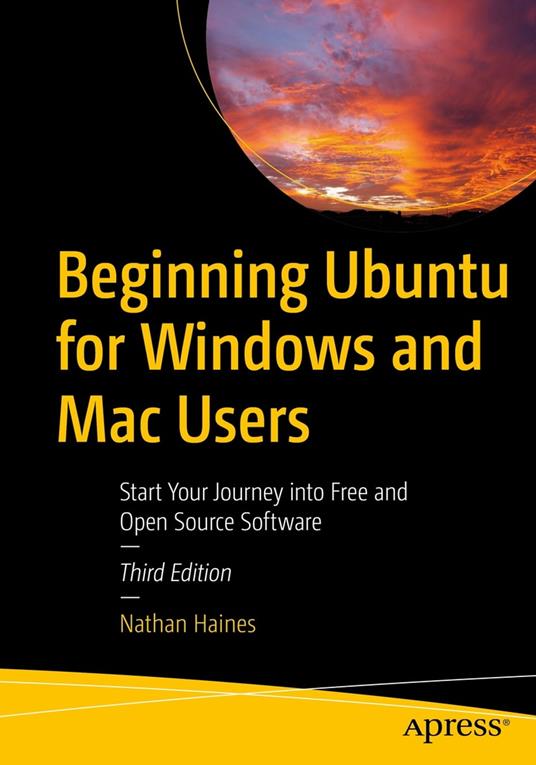
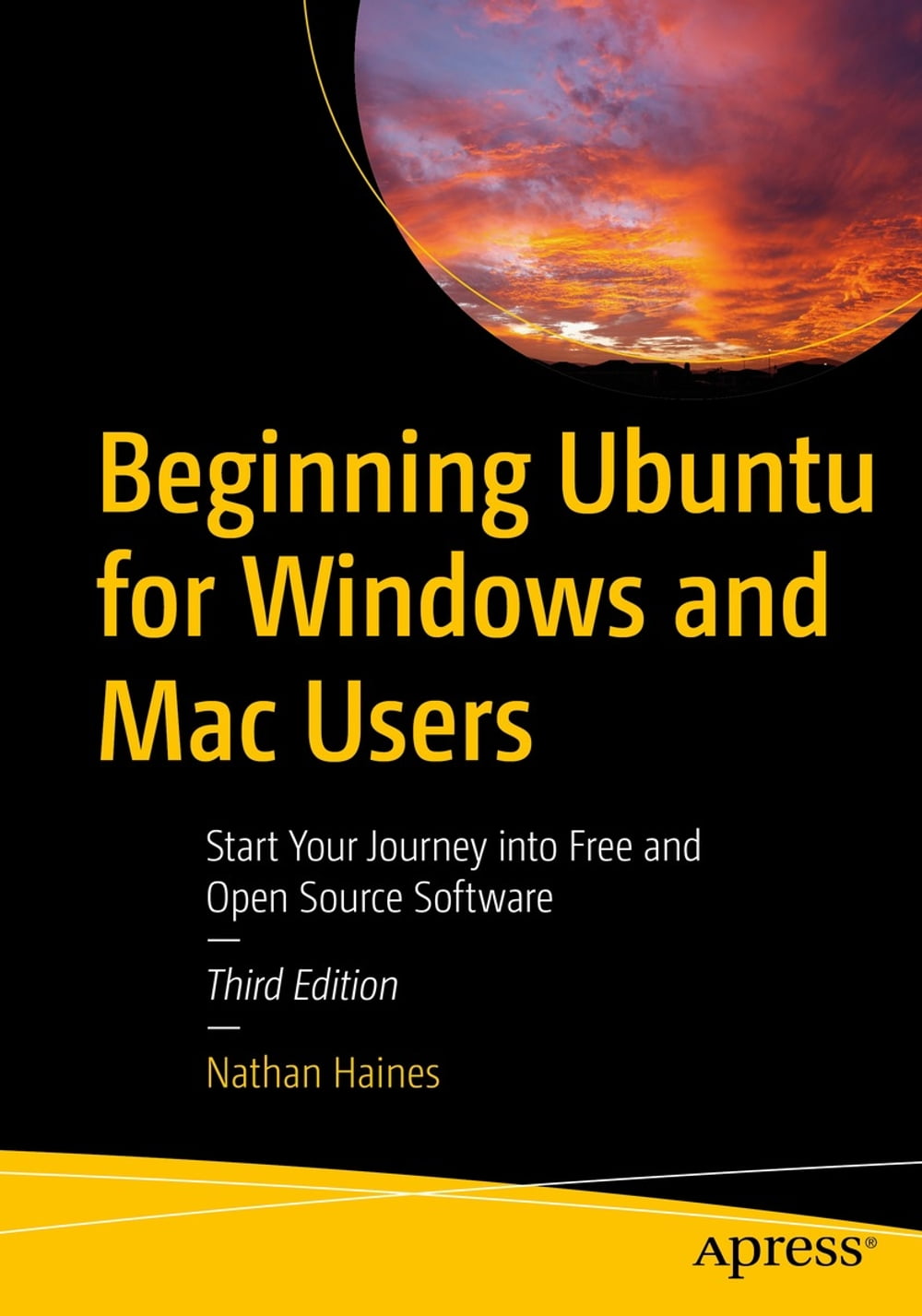
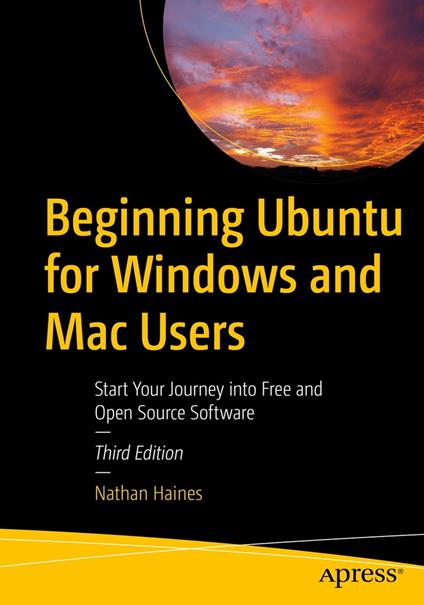
Completely updated for this exciting third edition, Beginning Ubuntu for Windows and Mac Users will help you start your journey into Free and Open Source Software with Ubuntu 22.04.1 LTS with GNOME 42. This book is a friendly guide to installing and running Ubuntu for people who are already efficient and happy with Windows or macOS computers. It teachers new Ubuntu users how to navigate their new operating system, perform basic tasks and suggests specific applications to handle routine tasks. You'll start by installing Ubuntu and its related “flavors” (Kubuntu, Ubuntu MATE, etc.) and how they differ from each other. The rest of the book breaks down application suggestions by broad categories to fill in gaps in the default installed system, or suggest fun things that the reader might not have even thought of. The command line is handled after you are comfortable with the system and ready for something interesting but different.It's presented as a powerful interface that can either be approached casually as a unique method of interacting with the computer, as an occasional tool to use, or as a fun way to get in touch with an early way of using a computer. A brief look at “power user” topics gives advice on managing running processes, installing alternate desktop software, using virtual desktops and creating virtual machines. It’s a great way to round off the book with starting points for advanced topics that are more specialty topics. An appendix describes the Ubuntu release schedule, naming, and timing. The book is designed to function as a “travel guide” to Ubuntu, offering both a scenic tour through some of the great software in Ubuntu in a practical “here’s what you can do with this” style as well as a comprehensive reference guide that the reader can return to over and over to learn how to accomplish specific tasks. What You'll Learn Understand the advantages of Ubuntu and its variants—Kubuntu and Xubuntu Install Ubuntu on its own or alongside your computer's existing operating system Search Ubuntu's catalog of thousands of applications Work with files and disks that were created with Windows and OS X Run simple, interesting tasks and games using the command line Customize Ubuntu in powerful ways and get work done with virtual machines Who This Book Is For Beginning to intermediate computer users with Windows 7 or OS X or later experience
Leggi di più
Leggi di meno
Autore:
Anno edizione:
2022
Editore:
Formato:
Lingua:
Inglese
Compatibilità:
Tutti i dispositivi (eccetto Kindle) Scopri di più
Layout:
Reflowable
EAN:
9781484289723

L'articolo è stato aggiunto al carrello
Formato:
Gli eBook venduti da IBS.it sono in formato ePub e possono essere protetti da Adobe DRM. In caso di download di un file protetto da DRM si otterrà un file in formato .acs, (Adobe Content Server Message), che dovrà essere aperto tramite Adobe Digital Editions e autorizzato tramite un account Adobe, prima di poter essere letto su pc o trasferito su dispositivi compatibili.
Cloud:
Gli eBook venduti da IBS.it sono sincronizzati automaticamente su tutti i client di lettura Kobo successivamente all’acquisto. Grazie al Cloud Kobo i progressi di lettura, le note, le evidenziazioni vengono salvati e sincronizzati automaticamente su tutti i dispositivi e le APP di lettura Kobo utilizzati per la lettura.
Clicca qui per sapere come scaricare gli ebook utilizzando un pc con sistema operativo Windows
L’articolo è stato aggiunto alla lista dei desideri
