

L’articolo è stato aggiunto alla lista dei desideri









EBOOK IN LINGUA STRANIERA
 E-mail
 Facebook
 LinkedIn
 Twitter
 WhatsApp
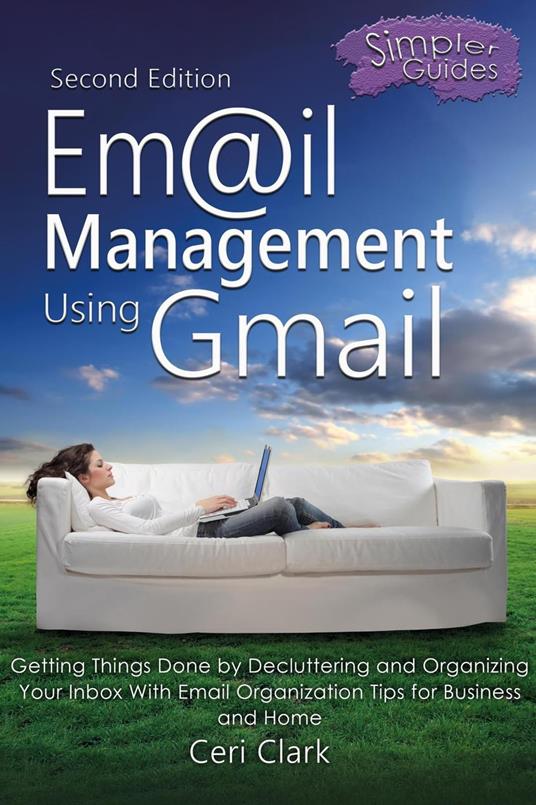
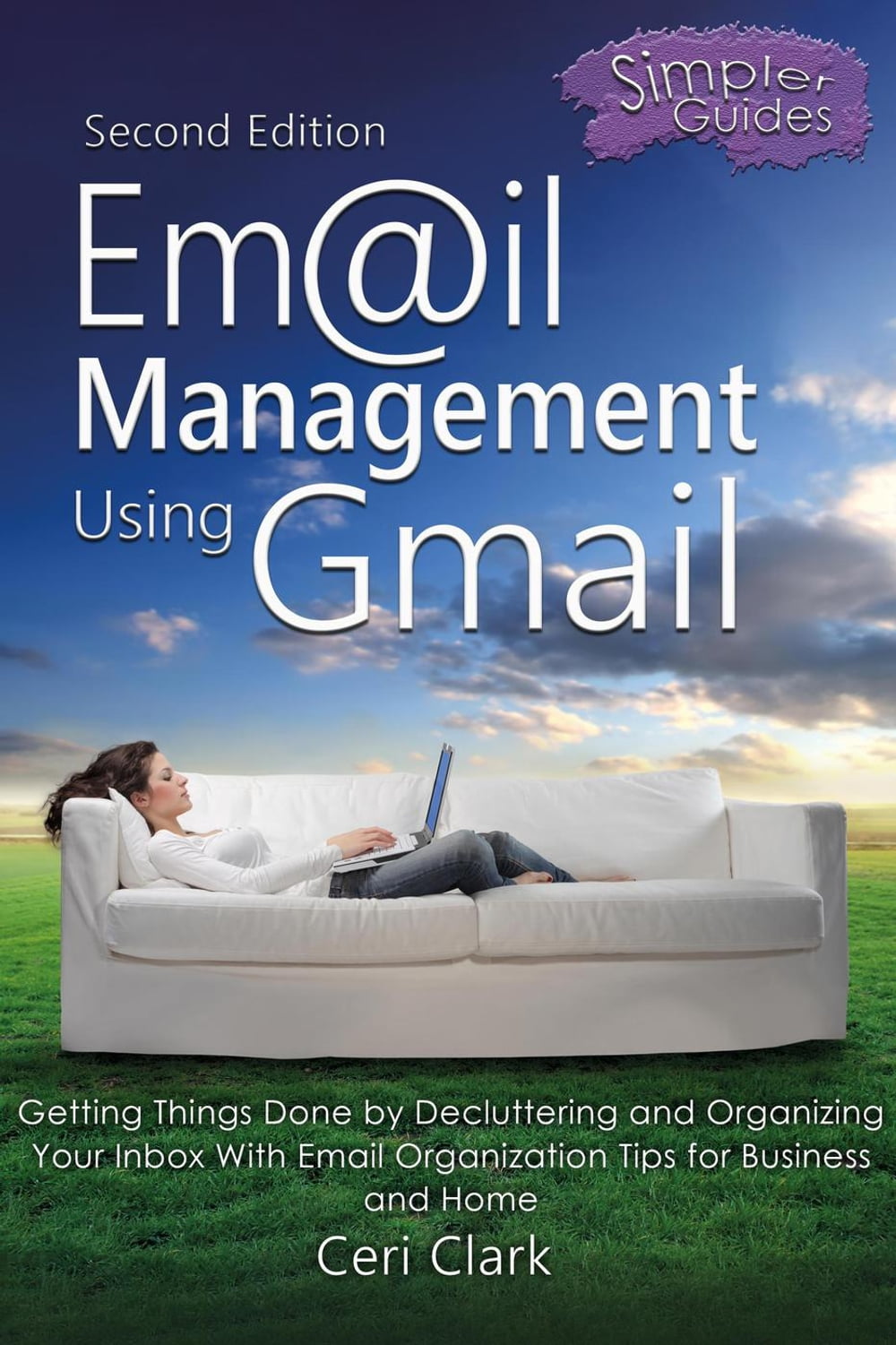
Email Management Using Gmail: Getting Things Done by Decluttering and Organizing Your Inbox With Email Organization Tips for Business and Home
(0)
Cliccando su “Conferma” dichiari che il contenuto da te inserito è conforme alle Condizioni Generali d’Uso del Sito ed alle Linee Guida sui Contenuti Vietati. Puoi rileggere e modificare e successivamente confermare il tuo contenuto. Tra poche ore lo troverai online (in caso contrario verifica la conformità del contenuto alle policy del Sito).
Grazie per la tua recensione!
Tra poche ore la vedrai online (in caso contrario verifica la conformità del testo alle nostre linee guida). Dopo la pubblicazione per te +4 punti 
6,99 €
+70
punti 
Venditore: IBS

Acquista online
Scaricabile subito
Articolo acquistabile con Carta del Docente
Articolo acquistabile con Carta Cultura Giovani e Carta del Merito

Articolo acquistabile con Carta della Cultura

Abbonati a Kobo plus per avere accesso illimitato a questo contenuto

Dati e Statistiche
 Salvato in 0 liste dei desideri
Salvato in 0 liste dei desideri
Email Management Using Gmail: Getting Things Done by Decluttering and Organizing Your Inbox With Email Organization Tips for Business and Home
Scaricabile subito
6,99 €
6,99 €
Scaricabile subito
Altre offerte vendute e spedite dai nostri venditori
Ebook in lingua straniera
Email Management Using Gmail: Getting Things Done by Decluttering and Organizing Your Inbox With Email Organization Tips for Business and Home
Altri venditori
Prezzo e spese di spedizione
EBOOK INGLESE
EPUB2 con DRMFREE
Scaricabile subito

Venduto e spedito da
IBS
Spedizione Gratis
6,99 €
Altri venditori
Prezzo e spese di spedizione
EBOOK INGLESE
EPUB2 con DRMFREE
Scaricabile subito
Venduto e spedito da
IBS
Spedizione Gratis
6,99 €
Altri venditori
Prezzo e spese di spedizione

Tutti i formati ed edizioni
Promo attive (0)
Email Management Using Gmail: Getting Things Done by Decluttering and Organizing Your Inbox With Email Organization Tips for Business and Home
Are you drowning in too many emails? Are you spending too much time everyday sorting and dealing with your inbox? This second edition of Email Management Using Gmail is a practical guide for sorting out your emails. These step-by-step instructions cover labels, filters and the great spam protection that Gmail provides. Whatever your priorities, the strategies in this book will help you to save time. This guide is all about getting it done, sorted and out of the way. Chapters you will find in this book: Quick-Start Guide for already full inboxes - How to declutter an already full inbox - fast. Sending and Receiving emails - Find out how to make your emails really pop with formatting options while learning about discussions, deleting emails, composing, replying and forwarding. Also includes adding links, a signature, using spell check, and email etiquette. Your Contacts - Learn how to use Contacts, how to add, edit, delete and restore contacts, star your contacts and group them using labels. This chapter also includes the import, export and printing of your contacts. Email Organization with Labels - Organize your email with labels. Discover how to apply, create, customize, edit and remove them. Filters and Blocked Addresses - Automate your organization by creating and editing filters. Learn how to delete them but also share them with friends. Block email addresses to stop receiving unwanted email. Searching for, and in, Emails - Uncover Google's advanced search capabilities within Gmail itself. Find emails with an attachment and search through your chat conversations. This chapter also covers searching by size, by date, and even sorting by newest or oldest emails. Keeping Your Email Under Control - This chapter covers strategies for time management including the prioritization of emails. Learn about starring emails, replying to messages, using templates, the inbox tabs, filters with labels, filter messages like these and how to unsubscribe from unwanted newsletters. Spams, Scams and Phishing - Recognize spam, scams and phishing emails and how to deal with those types of emails. This chapter will also show you how to only get emails from people in your address book in your inbox. Inbox Views - Find about the different ways to view your inbox to make you work more efficiently including display density (layout), Google's Categories and other inbox styles. Creating Space in Your Email Account - Find emails with large attachments, converting or removing files and more advice on creating space. Advanced Options - Discover Gmail's useful advanced options in their settings, which include Auto-advance, Templates, Custom keyboard shortcuts and the Unread messages icon. Frequently Asked Questions - Questions covered here include; where to go to login to Gmail and Contacts, what to do if you lose your password, how to change your password, is a particular browser required to use Gmail? how to print email, how to remove the 'extra' inboxes like updates, social and promotions, how to remove email addresses when replying to all, increasing the size of the text in browsers, adding images to emails, how to login if someone else is already signed in to Gmail on your browser, and how do I add my Gmail account to Outlook?
Leggi di più
Leggi di meno
Autore:
Anno edizione:
2022
Editore:
Formato:
Lingua:
Inglese
Compatibilità:
Tutti i dispositivi (eccetto Kindle) Scopri di più
Layout:
Reflowable
EAN:
9798201306601

L'articolo è stato aggiunto al carrello
Formato:
Gli eBook venduti da IBS.it sono in formato ePub e possono essere protetti da Adobe DRM. In caso di download di un file protetto da DRM si otterrà un file in formato .acs, (Adobe Content Server Message), che dovrà essere aperto tramite Adobe Digital Editions e autorizzato tramite un account Adobe, prima di poter essere letto su pc o trasferito su dispositivi compatibili.
Cloud:
Gli eBook venduti da IBS.it sono sincronizzati automaticamente su tutti i client di lettura Kobo successivamente all’acquisto. Grazie al Cloud Kobo i progressi di lettura, le note, le evidenziazioni vengono salvati e sincronizzati automaticamente su tutti i dispositivi e le APP di lettura Kobo utilizzati per la lettura.
Clicca qui per sapere come scaricare gli ebook utilizzando un pc con sistema operativo Windows
L’articolo è stato aggiunto alla lista dei desideri
