

L’articolo è stato aggiunto alla lista dei desideri









EBOOK IN LINGUA STRANIERA
 E-mail
 Facebook
 LinkedIn
 Twitter
 WhatsApp
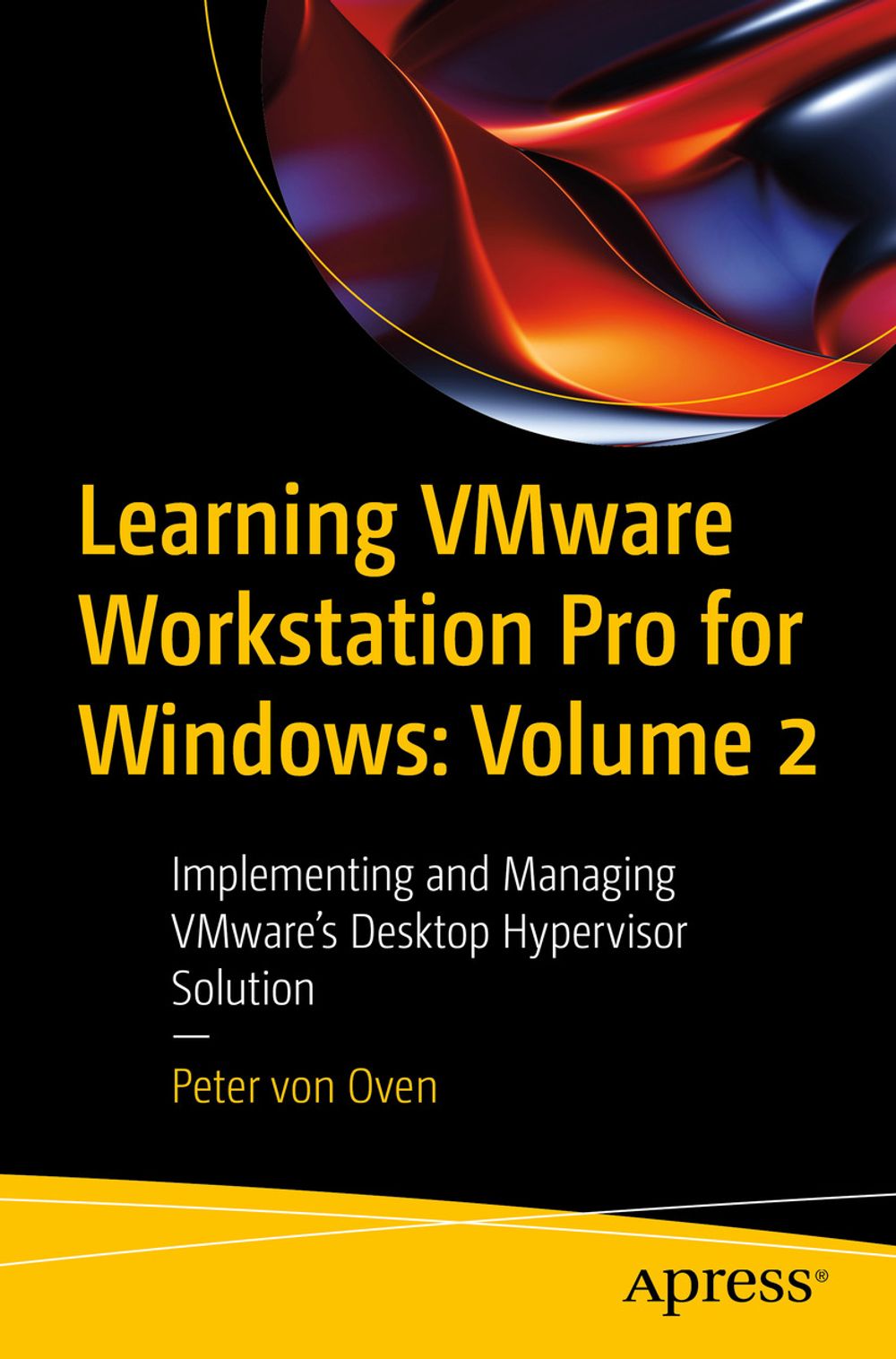
Learning VMware Workstation Pro for Windows: Volume 2
(0)
Cliccando su “Conferma” dichiari che il contenuto da te inserito è conforme alle Condizioni Generali d’Uso del Sito ed alle Linee Guida sui Contenuti Vietati. Puoi rileggere e modificare e successivamente confermare il tuo contenuto. Tra poche ore lo troverai online (in caso contrario verifica la conformità del contenuto alle policy del Sito).
Grazie per la tua recensione!
Tra poche ore la vedrai online (in caso contrario verifica la conformità del testo alle nostre linee guida). Dopo la pubblicazione per te +4 punti 
56,88 €
+570
punti 
Venditore: IBS

Acquista online
Scaricabile subito
Articolo acquistabile con Carta del Docente

Articolo acquistabile con Carta Cultura Giovani e Carta del Merito

Articolo acquistabile con Carta della Cultura

Dati e Statistiche
 Salvato in 0 liste dei desideri
Salvato in 0 liste dei desideri
Learning VMware Workstation Pro for Windows: Volume 2
Scaricabile subito
56,88 €
56,88 €
Scaricabile subito
Altre offerte vendute e spedite dai nostri venditori

Ebook in lingua straniera
Learning VMware Workstation Pro for Windows: Volume 2
Altri venditori
Prezzo e spese di spedizione
EBOOK INGLESE
EPUB3 con Adobe DRM
Scaricabile subito

Venduto e spedito da
IBS
Spedizione Gratis
56,88 €
Altri venditori
Prezzo e spese di spedizione
EBOOK INGLESE
EPUB3 con Adobe DRM
Scaricabile subito
Venduto e spedito da
IBS
Spedizione Gratis
56,88 €
Altri venditori
Prezzo e spese di spedizione

Tutti i formati ed edizioni
Promo attive (0)
VMware Workstation is a software solution that provides a type-2 hypervisor, or desktop hypervisor, that runs on x64 Windows and Linux-based operating systems. It enables users to create and run virtual machines, containers, and Kubernetes clusters simultaneously on their physical devices without having to reformat or dual-boot the underlying device. There are several use cases for VMware Workstation. For IT pros, it allows them to test applications and operating system builds, as well as enable remote control of vSphere datacenter infrastructure. Developers can run multiple different operating systems or different versions of operating systems on a single device giving them the platform flexibility to test, develop, and troubleshoot applications cost-effectively. Finally, for the greater workforce, VMware Workstation can enable BYOD device initiatives allowing employees to run a full corporate environment on their device without deleting or reformatting it. Learning VMware Workstation Pro for Windows – Part 2 provides the reader with a practical, step-by-step guide to creating and managing virtual machines using VMware Workstation, starting with an overview of hypervisors and desktop hypervisors. Next, it talks about each resource, such as CPU, memory, and networking, and how these are configured in a virtual environment. After that, it demonstrates the installation of VMware Workstation, configuration, and then building and managing different virtual machines running on different operating systems such as ChromeOS, and Linux, and building an ESXi lab environment. Towards the end, readers will learn how to use command line tools, such as the REST API, and vmrun, before going on to discuss upgrading and troubleshooting your VMware Workstation environment. By the end of this book, readers will have full knowledge of VMware Workstation Pro. This book is a continuation of " Learning VMware Workstation Pro for Windows – Part 1 " where readers learn how to build and manage different virtual machines running on different operating systems and build an ESXi lab environment with VMware Workstation. You Will: Learn how to run containers on a VMware workstation Understand how to use the command line to configure and control Workstation Pro and virtual machines Practice the use of REST API for Workstation Pro This book is for: Developers, IT professionals, VMware certified professionals both remote and Bring your device (BYOD).
Leggi di più
Leggi di meno
Autore:
Anno edizione:
2024
Editore:
Formato:
Lingua:
Inglese
Compatibilità:
Tutti i dispositivi (eccetto Kindle) Scopri di più
Layout:
Reflowable
EAN:
9798868808647

L'articolo è stato aggiunto al carrello
Formato:
Gli eBook venduti da IBS.it sono in formato ePub e possono essere protetti da Adobe DRM. In caso di download di un file protetto da DRM si otterrà un file in formato .acs, (Adobe Content Server Message), che dovrà essere aperto tramite Adobe Digital Editions e autorizzato tramite un account Adobe, prima di poter essere letto su pc o trasferito su dispositivi compatibili.
Cloud:
Gli eBook venduti da IBS.it sono sincronizzati automaticamente su tutti i client di lettura Kobo successivamente all’acquisto. Grazie al Cloud Kobo i progressi di lettura, le note, le evidenziazioni vengono salvati e sincronizzati automaticamente su tutti i dispositivi e le APP di lettura Kobo utilizzati per la lettura.
Clicca qui per sapere come scaricare gli ebook utilizzando un pc con sistema operativo Windows
L’articolo è stato aggiunto alla lista dei desideri
