

L’articolo è stato aggiunto alla lista dei desideri









EBOOK IN LINGUA STRANIERA
 E-mail
 Facebook
 LinkedIn
 Twitter
 WhatsApp
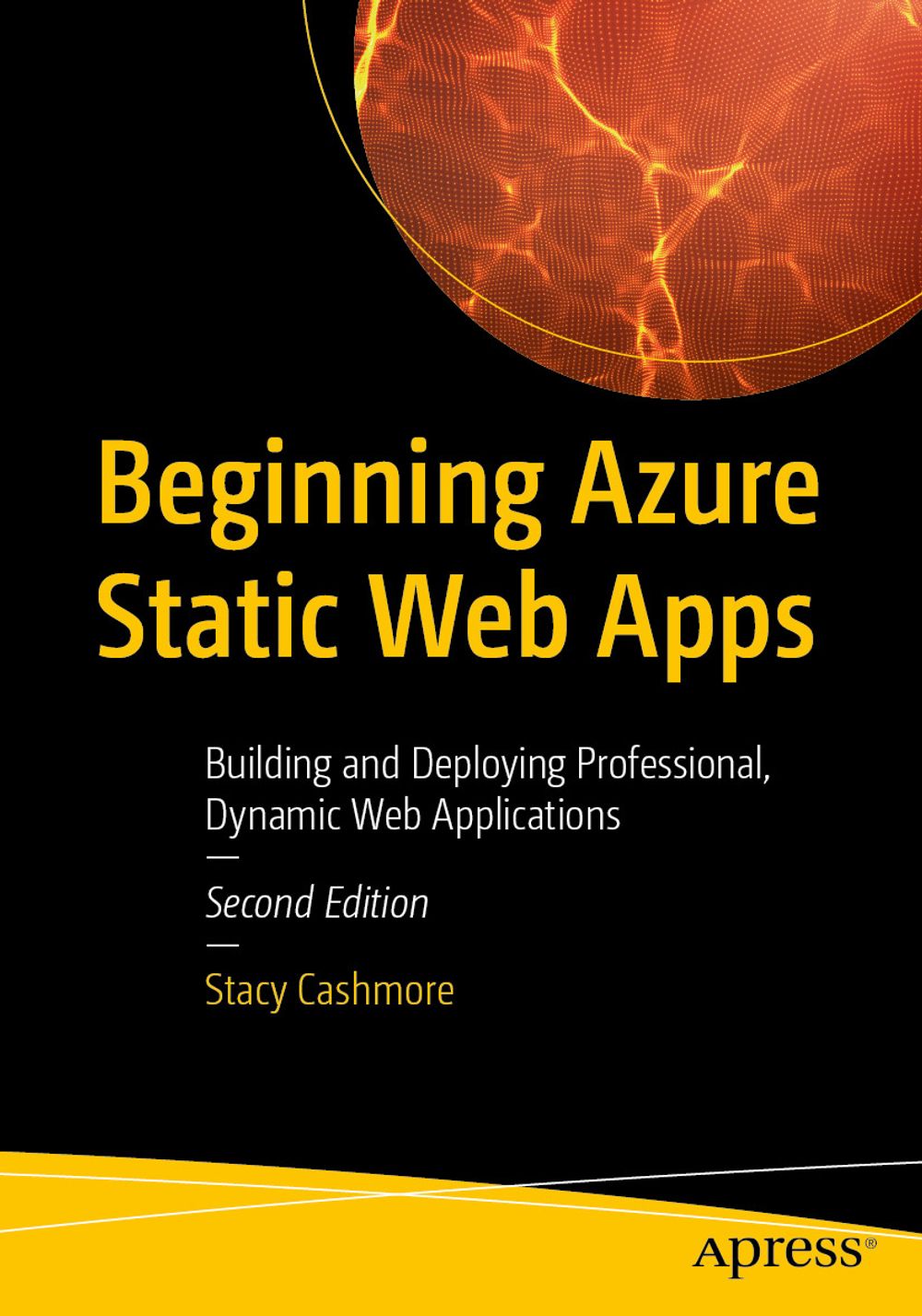
Beginning Azure Static Web Apps
(0)
Cliccando su “Conferma” dichiari che il contenuto da te inserito è conforme alle Condizioni Generali d’Uso del Sito ed alle Linee Guida sui Contenuti Vietati. Puoi rileggere e modificare e successivamente confermare il tuo contenuto. Tra poche ore lo troverai online (in caso contrario verifica la conformità del contenuto alle policy del Sito).
Grazie per la tua recensione!
Tra poche ore la vedrai online (in caso contrario verifica la conformità del testo alle nostre linee guida). Dopo la pubblicazione per te +4 punti 
55,11 €
+550
punti 
Venditore: IBS

Acquista online
Scaricabile subito
Articolo acquistabile con Carta del Docente

Articolo acquistabile con Carta Cultura Giovani e Carta del Merito

Articolo acquistabile con Carta della Cultura

Dati e Statistiche
 Salvato in 0 liste dei desideri
Salvato in 0 liste dei desideri
Beginning Azure Static Web Apps
Scaricabile subito
55,11 €
55,11 €
Scaricabile subito
Altre offerte vendute e spedite dai nostri venditori

Ebook in lingua straniera
Beginning Azure Static Web Apps
Altri venditori
Prezzo e spese di spedizione
EBOOK INGLESE
EPUB3 con Adobe DRM
Scaricabile subito

Venduto e spedito da
IBS
Spedizione Gratis
55,11 €
Altri venditori
Prezzo e spese di spedizione
EBOOK INGLESE
EPUB3 con Adobe DRM
Scaricabile subito
Venduto e spedito da
IBS
Spedizione Gratis
55,11 €
Altri venditori
Prezzo e spese di spedizione

Tutti i formati ed edizioni

Promo attive (0)
Create rich and dynamic web applications built on the Azure cloud platform using static web development techniques built around Blazor WebAssembly, APIs, and Markup, whilst leveraging the paradigm commonly known as JAMstack. This book starts with demonstrating you how to create an environment for deploying your first application. You will create a blogging application using an Azure Static Web App with a Blazor WebAssembly application and add dynamic content using both .NET Azure functions and the Data API Builder, before deploying from GitHub. You will then learn how to run and debug your application locally, both from inside of Visual Studio, as well as from the command line using a simple Static Web App CLI command. The book takes a deep dive into the CLI to allow you to emulate all the features available in the Azure Environment. You will go through the authentication and authoring options with your app to allow you to protect your editing and creation functionality in the blog application. Moving forward, you will understand how to add a custom domain to your application and discuss what options are available to you. Finally, the book will compare the differences between the free and paid hosting tiers for Azure Static Web Apps. New in this second edition: Using the latest . NET 9 runtime with C#12 syntax, including isolated Azure functions Accessing data directly using the new Data API Builder functionality of Azure Static Web Apps Deeper dive into the deployment functionality of both the SWA CLI and the `staticwebapp` command of the Azure CLI Moving beyond the ‘out of the box’ GitHub workflow and creating our own, including infrastructure as code What You Will Learn: Create an Azure Static Web Apps using Blazor technology Add dynamic content using connected Azure Functions and Data API Builder Debug the application locally, emulating the features available to you in the Azure environment Implement basic authentication from both Microsoft Entra ID and GitHub, as well as looking at custom authentication using openID and Auth0 Understand the workflow of the out of the box GitHub workflow, as well as how to create your own, including infrastructure as code. Who This Book Is For: Azure and Web developers looking to deploy feature rich applications to the cloud
Leggi di più
Leggi di meno
Autore:
Anno edizione:
2026
Editore:
Formato:
Lingua:
Inglese
Compatibilità:
Tutti i dispositivi (eccetto Kindle) Scopri di più
Layout:
Reflowable
EAN:
9798868813214
L'articolo è stato aggiunto al carrello
Formato:
Gli eBook venduti da IBS.it sono in formato ePub e possono essere protetti da Adobe DRM. In caso di download di un file protetto da DRM si otterrà un file in formato .acs, (Adobe Content Server Message), che dovrà essere aperto tramite Adobe Digital Editions e autorizzato tramite un account Adobe, prima di poter essere letto su pc o trasferito su dispositivi compatibili.
Cloud:
Gli eBook venduti da IBS.it sono sincronizzati automaticamente su tutti i client di lettura Kobo successivamente all’acquisto. Grazie al Cloud Kobo i progressi di lettura, le note, le evidenziazioni vengono salvati e sincronizzati automaticamente su tutti i dispositivi e le APP di lettura Kobo utilizzati per la lettura.
Clicca qui per sapere come scaricare gli ebook utilizzando un pc con sistema operativo Windows
L’articolo è stato aggiunto alla lista dei desideri
