

L’articolo è stato aggiunto alla lista dei desideri









EBOOK IN LINGUA STRANIERA
 E-mail
 Facebook
 LinkedIn
 Twitter
 WhatsApp
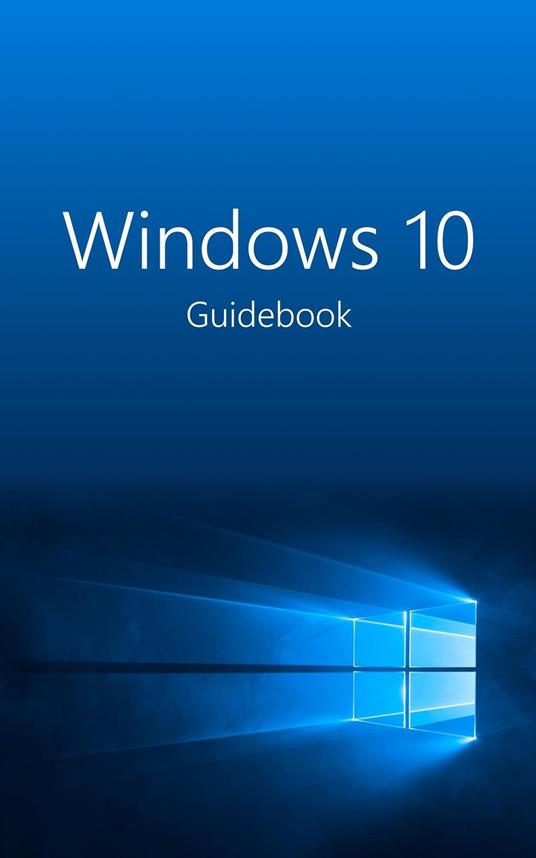
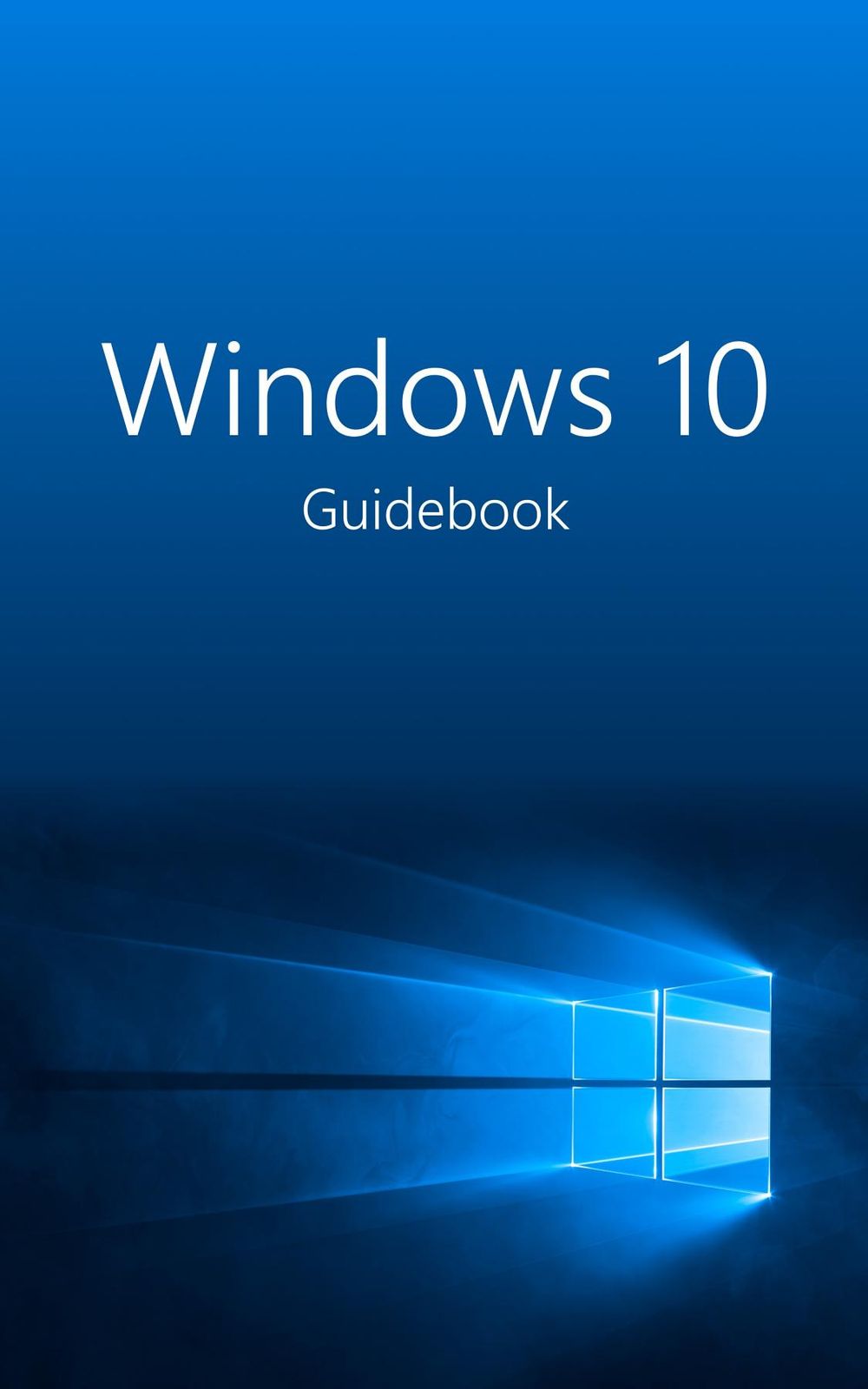
Windows 10 Guidebook
(0)
Cliccando su “Conferma” dichiari che il contenuto da te inserito è conforme alle Condizioni Generali d’Uso del Sito ed alle Linee Guida sui Contenuti Vietati. Puoi rileggere e modificare e successivamente confermare il tuo contenuto. Tra poche ore lo troverai online (in caso contrario verifica la conformità del contenuto alle policy del Sito).
Grazie per la tua recensione!
Tra poche ore la vedrai online (in caso contrario verifica la conformità del testo alle nostre linee guida). Dopo la pubblicazione per te +4 punti 
1,24 €
+10
punti 
Venditore: IBS

Acquista online
Scaricabile subito
Articolo acquistabile con Carta del Docente

Articolo acquistabile con Carta Cultura Giovani e Carta del Merito

Articolo acquistabile con Carta della Cultura

Dati e Statistiche
 Salvato in 0 liste dei desideri
Salvato in 0 liste dei desideri
Windows 10 Guidebook
Scaricabile subito
1,24 €
1,24 €
Scaricabile subito
Altre offerte vendute e spedite dai nostri venditori
Ebook in lingua straniera
Windows 10 Guidebook
Altri venditori
Prezzo e spese di spedizione
EBOOK INGLESE
EPUB2 con Adobe DRM
Scaricabile subito

Venduto e spedito da
IBS
Spedizione Gratis
1,24 €
Altri venditori
Prezzo e spese di spedizione
EBOOK INGLESE
EPUB2 con Adobe DRM
Scaricabile subito
Venduto e spedito da
IBS
Spedizione Gratis
1,24 €
Altri venditori
Prezzo e spese di spedizione

Tutti i formati ed edizioni
Promo attive (0)
Windows 10 Guidebook
Windows 10 is really easy to use with this guide – for Windows insiders upgrading from Windows 7 or 8.1 to Windows 10, as well as for first-time users that want to learn about the operating system basics. Chapters 1 and 2 present the new and changed features in Windows 10. Furthermore, we describe what you have to watch out for when migrating to Windows 10—and how you either upgrade directly or re-install the system from scratch. The Windows 10 Guidebook covers: What’s new in Windows 10? Microsoft has dedicated much time and energy to design the system to be as user-friendly as possible—usable for people using touch-based devices as well as mouse and keyboard. To what will you have to pay attention before upgrading? How can you create a complete backup of the existing Windows system? The Guidebook gives the answer. Starting fresh or migrating to Windows 10 Either you upgrade an existing Windows installation, or the PC is set up from scratch with Windows 10. The Guidebook describes both variants in detail—including many screenshots. Enhanced desktop and re-introduced Start menu The well-known Start menu is back in Windows 10, but it comes with space for apps and tiles. With Cortana, you can talk to your PC—and virtual desktops multiply your available workspace. All this is part of the new shell. Use Windows anywhere, anytime Whether at your desk, on the couch, on the train or on the beach, whether with a mouse and keyboard or by touch screen—Windows 10 looks and works too in any place and under any conditions. This is made possible by Continuum, a new feature that allows the system to adapt to the current environment. The unified Windows Store with re-imagined apps Your central place for obtaining and downloading apps and programs is the Windows Store. How can apps be installed and removed? And which apps are shipped by default with Windows 10? Going over the edge with Microsoft Edge Windows 10 sends Internet Explorer in retirement, replacing it with a young, modern browser called Edge. The Guidebook gives you an overview about this new Internet program and what to expect from it. Manage Windows settings in a central place Windows 10 can be configured from the Settings app. Which options does it offer? And what about the settings not available from within this app? Entertainment and gaming Windows is not only there for working, but it’s also a good companion for leisure. Whether you’d like to play a card game, or to watch a DVD—with Windows 10, you are well-equipped for every application. Security and privacy with Windows 10 “The most secure Windows ever”—that’s how Microsoft called Windows 10. From the login service Windows Hello to Microsoft Passport and the login screen via picture code: In Windows 10, everything is much safer. If there’s a fire—System Repair For computer problems, there are some approaches to fixing errors and to ensure that the system is back up and running again. What can be done? The Windows 10 Guidebook features many high-quality colour pictures. This helps you to take a close look at whatever window view you need.
Leggi di più
Leggi di meno
Autore:
Anno edizione:
2015
Editore:
Formato:
Lingua:
Inglese
Compatibilità:
Tutti i dispositivi (eccetto Kindle) Scopri di più
Layout:
Reflowable
EAN:
9780993383519
L'articolo è stato aggiunto al carrello
Formato:
Gli eBook venduti da IBS.it sono in formato ePub e possono essere protetti da Adobe DRM. In caso di download di un file protetto da DRM si otterrà un file in formato .acs, (Adobe Content Server Message), che dovrà essere aperto tramite Adobe Digital Editions e autorizzato tramite un account Adobe, prima di poter essere letto su pc o trasferito su dispositivi compatibili.
Cloud:
Gli eBook venduti da IBS.it sono sincronizzati automaticamente su tutti i client di lettura Kobo successivamente all’acquisto. Grazie al Cloud Kobo i progressi di lettura, le note, le evidenziazioni vengono salvati e sincronizzati automaticamente su tutti i dispositivi e le APP di lettura Kobo utilizzati per la lettura.
Clicca qui per sapere come scaricare gli ebook utilizzando un pc con sistema operativo Windows
L’articolo è stato aggiunto alla lista dei desideri
