

L’articolo è stato aggiunto alla lista dei desideri









EBOOK IN LINGUA STRANIERA
 E-mail
 Facebook
 LinkedIn
 Twitter
 WhatsApp
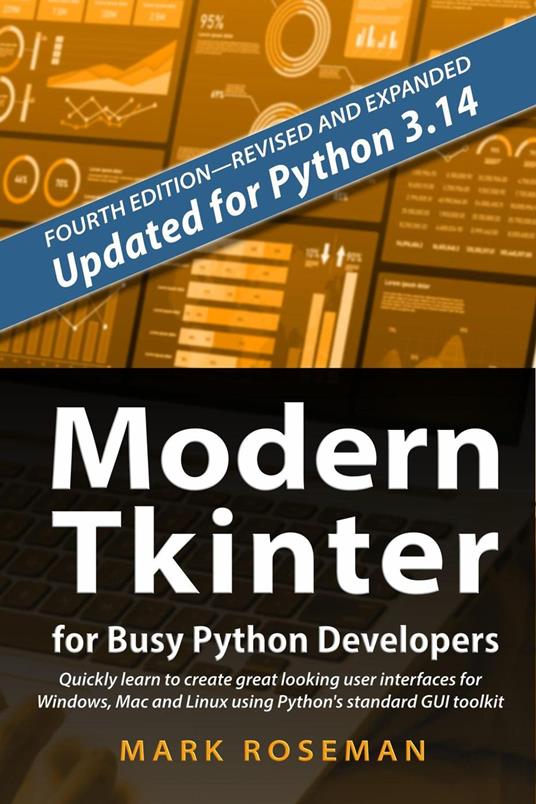
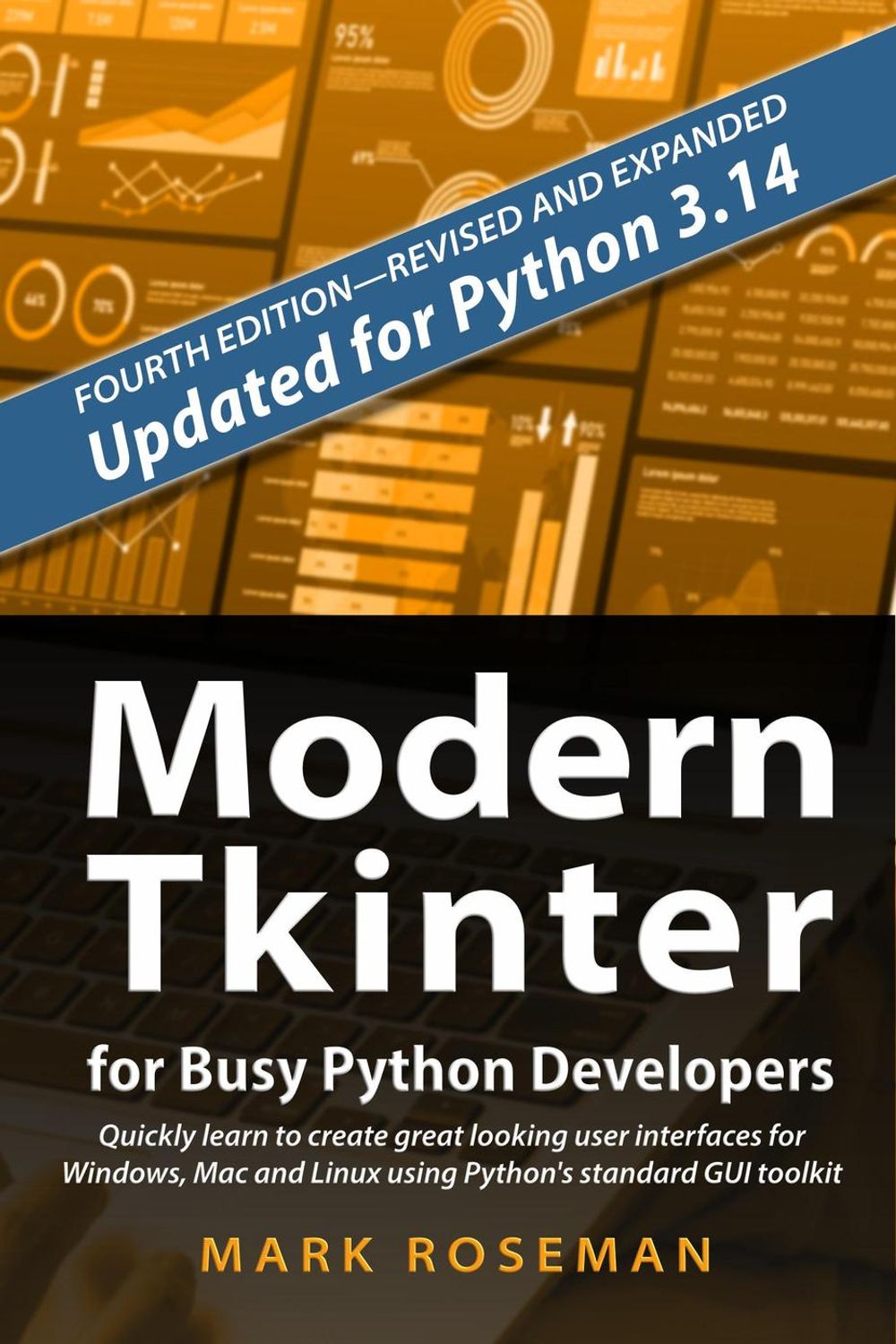
Modern Tkinter for Busy Python Developers: Quickly Learn to Create Great Looking User Interfaces for Windows, Mac and Linux Using Python's Standard GUI Toolkit
(0)
Cliccando su “Conferma” dichiari che il contenuto da te inserito è conforme alle Condizioni Generali d’Uso del Sito ed alle Linee Guida sui Contenuti Vietati. Puoi rileggere e modificare e successivamente confermare il tuo contenuto. Tra poche ore lo troverai online (in caso contrario verifica la conformità del contenuto alle policy del Sito).
Grazie per la tua recensione!
Tra poche ore la vedrai online (in caso contrario verifica la conformità del testo alle nostre linee guida). Dopo la pubblicazione per te +4 punti 
34,49 €
+340
punti 
Venditore: IBS

Acquista online
Scaricabile subito
Articolo acquistabile con Carta del Docente

Articolo acquistabile con Carta Cultura Giovani e Carta del Merito

Articolo acquistabile con Carta della Cultura

Abbonati a Kobo plus per avere accesso illimitato a questo contenuto

Dati e Statistiche
 Salvato in 0 liste dei desideri
Salvato in 0 liste dei desideri
Modern Tkinter for Busy Python Developers: Quickly Learn to Create Great Looking User Interfaces for Windows, Mac and Linux Using Python's Standard GUI Toolkit
Scaricabile subito
34,49 €
34,49 €
Scaricabile subito
Altre offerte vendute e spedite dai nostri venditori
Ebook in lingua straniera
Modern Tkinter for Busy Python Developers: Quickly Learn to Create Great Looking User Interfaces for Windows, Mac and Linux Using Python's Standard GUI Toolkit
Altri venditori
Prezzo e spese di spedizione
EBOOK INGLESE
EPUB3 con DRMFREE
Scaricabile subito

Venduto e spedito da
IBS
Spedizione Gratis
34,49 €
Altri venditori
Prezzo e spese di spedizione
EBOOK INGLESE
EPUB3 con DRMFREE
Scaricabile subito
Venduto e spedito da
IBS
Spedizione Gratis
34,49 €
Altri venditori
Prezzo e spese di spedizione

Tutti i formati ed edizioni
Promo attive (0)
Modern Tkinter for Busy Python Developers: Quickly Learn to Create Great Looking User Interfaces for Windows, Mac and Linux Using Python's Standard GUI Toolkit
Fourth Edition: thoroughly revised and expanded! Updated for Python 3.14. Now includes Tkinter API reference, and bonus material on structuring and refining Tkinter code and third-party themes and widgets. Quickly learn the right way to build attractive and modern graphical user interfaces with Python and Tkinter, its standard GUI toolkit. Tkinter has been around forever. There's a lot of documentation, much of it created years ago. But it's all wrong. Tkinter took a quantum leap forward since that documentation was written. Your program needs to be written differently to take advantage of that. Modern Tkinter shows you the right way to do it. Whether you're entirely new to Tkinter, or just need to bring your Tkinter knowledge up to date, this book gives you all you need to build modern, attractive Tkinter user interfaces that run on Windows, macOS, and Linux. You'll learn all the modern best practices. You'll build your user interface the right way the first time, without having to learn anything extra or irrelevant. It starts at the beginning, shows you what you need to know, and covers all the essential elements of building your modern user interface. This includes: all the standard GUI widgets attractively laying out your user interface managing menus, windows, and dialogs organizing more complex user interfaces Tkinter's powerhouse widgets: canvas and text customizing the look of your user interface making it all work on macOS, Windows, and Linux You may have been using older documentation or are updating a Tkinter program written years ago. If so, you'll find warnings of what to avoid using, and how to replace it with a modern solution. There's even a full case study of modernizing the user interface of a seriously out-of-date Tkinter application you may be familiar with. Let veteran software developer Mark Roseman show you the right way to build user interfaces with Python and Tkinter. He's been using Tk (the technology behind Tkinter) since its early days. He's shipped dozens of open source tools and commercial applications based on it. He's also the author of the multi-lingual TkDocs tutorial, the de facto online guide for building modern Tk user interfaces. This book brings together all new material and Python-specific information from that tutorial. Contents Introduction Tk and Tkinter: Then and Now Installing Tkinter A First (Real) Example Tkinter Concepts Basic Widgets The Grid Geometry Manager Structuring Tkinter Code Refining our Code More Widgets Event Loop Menus Windows and Dialogs Organizing Complex Interfaces Fonts, Colors, Images Canvas Text Treeview Styles and Themes Custom Styles and Themes Case Study: IDLE Modernization Appendix: Tkinter Class API Reference
Leggi di più
Leggi di meno
Autore:
Anno edizione:
2025
Editore:
Formato:
Lingua:
Inglese
Compatibilità:
Tutti i dispositivi (eccetto Kindle) Scopri di più
Layout:
Reflowable
EAN:
9781069755926

L'articolo è stato aggiunto al carrello
Formato:
Gli eBook venduti da IBS.it sono in formato ePub e possono essere protetti da Adobe DRM. In caso di download di un file protetto da DRM si otterrà un file in formato .acs, (Adobe Content Server Message), che dovrà essere aperto tramite Adobe Digital Editions e autorizzato tramite un account Adobe, prima di poter essere letto su pc o trasferito su dispositivi compatibili.
Cloud:
Gli eBook venduti da IBS.it sono sincronizzati automaticamente su tutti i client di lettura Kobo successivamente all’acquisto. Grazie al Cloud Kobo i progressi di lettura, le note, le evidenziazioni vengono salvati e sincronizzati automaticamente su tutti i dispositivi e le APP di lettura Kobo utilizzati per la lettura.
Clicca qui per sapere come scaricare gli ebook utilizzando un pc con sistema operativo Windows
L’articolo è stato aggiunto alla lista dei desideri
